
Salesforce SMS Opt Out
Salesforce SMS Opt Out
Your SMS opt out process should work around the way you already use Salesforce.
You should not have to change your data model, move preferences into a field created by your messaging app, or accept one fixed way of managing consent.
With AI SMS House, you decide where your SMS preferences live, which Salesforce object and field you want to use, and how opt out should work across different message types.
Our approach is simple.
We give you the capability. You decide how you want to use it.
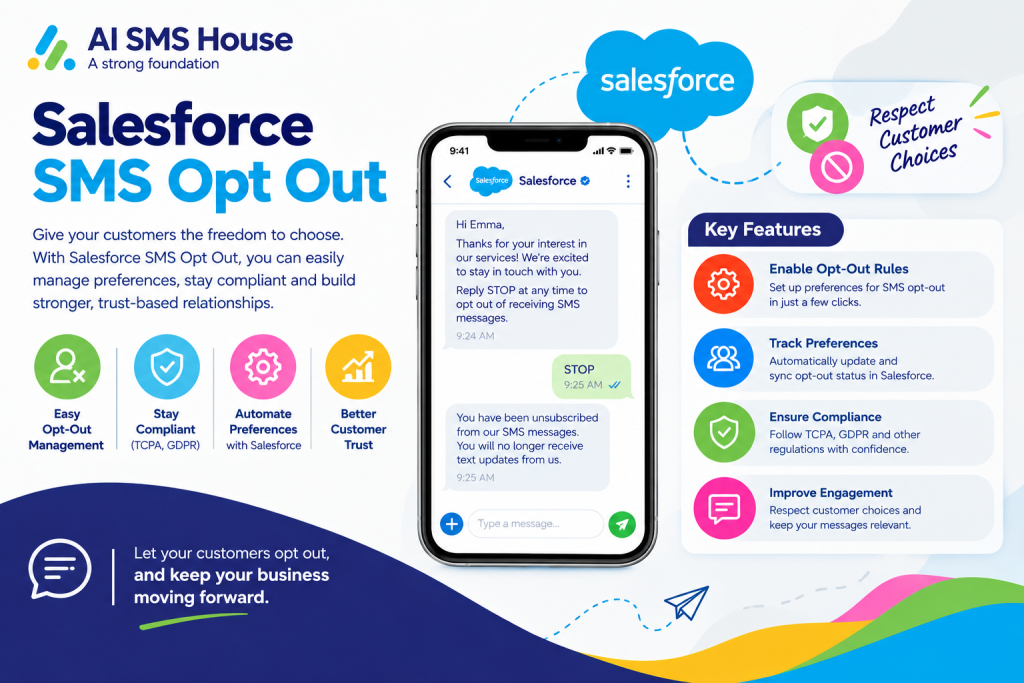
How to Opt Out SMS in Salesforce
You can manage SMS opt out directly from the Salesforce records you already use.
When someone chooses not to receive certain SMS messages, you can store that preference against their Salesforce record and use it when messages are sent.
You decide where that preference is stored and which field controls it.
This keeps your SMS preferences connected to your existing Salesforce processes rather than forcing you into a separate way of working.
How to Configure SMS Opt Out in Salesforce
Every organisation handles communication preferences differently.
That is why you can choose how you want SMS opt out to work in your Salesforce environment.
You can use a simple checkbox when all you need is a clear yes or no preference.
You can also use message categories when you want to give people more control over the types of SMS they receive.
You choose the approach that fits your business.
Checkbox based SMS opt out
Use a Salesforce checkbox field when you simply need to know whether SMS messaging is allowed or not.
Message category based SMS opt out
Use message categories when customers should be able to choose which types of SMS communication they want to receive.
You choose the approach that works for your organisation.
Choose Any Salesforce Object and Field for SMS Opt Out
You are not restricted to one Salesforce object or a field created by the managed package.
You can choose the standard or custom Salesforce object that makes sense for your organisation.
You can also choose the Salesforce field you want to use for SMS opt out.
This means you can keep working with the Salesforce structure you already know rather than redesigning your processes around the messaging application.
SMS Opt Out Based on Checkbox in Salesforce
If your SMS preference is simple, you can use a Salesforce checkbox field.
You choose the checkbox field you want AI SMS House to use.
That field can then represent whether someone has opted out of SMS communication.
It is a straightforward option when your organisation only needs a simple true or false preference.
SMS Opt Out Based on Message Category in Salesforce
Sometimes one opt out setting is not enough.
Someone may not want marketing messages but may still want an important account update, appointment reminder or service notification.
With AI SMS House, you can manage SMS preferences by message category.
This gives you more control over which messages someone can receive.
Salesforce SMS Opt Out for Marketing Messages
You can manage marketing SMS separately from your other communications.
For example, someone may decide they no longer want promotions, offers or marketing campaigns.
You can record that preference without automatically treating every other type of SMS in the same way.
Salesforce SMS Opt Out for System Messages
Your system messages may serve a very different purpose from marketing.
These could include operational updates, account notifications or messages triggered by your Salesforce processes.
You can manage these separately according to the way your organisation wants to communicate.
Salesforce SMS Opt Out for Informational Messages
You may also send informational SMS such as reminders, updates or service notifications.
You can give these messages their own preference instead of grouping everything under one universal opt out.
This gives you greater flexibility when your customers have different communication needs.
Manage Multiple SMS Opt Out Preferences in Salesforce
One person can have more than one communication preference.
They may not want your marketing messages but still want important system or informational updates.
With message category based opt out, you can reflect those preferences more accurately.
You get more control, and your customers get more choice over the SMS messages they receive.
How SMS Opt Out Works for Bulk SMS in Salesforce
When you Send bulk SMS from Salesforce, your opt out configuration becomes even more important.
You can use Salesforce List Views, Reports or Campaigns for larger communications while keeping your SMS preferences connected to the same Salesforce records.
This means your bulk messaging process can work with the preferences you have already configured.
How SMS Opt Out Works for Automated SMS in Salesforce
The same approach can apply when you Send Automated SMS from Salesforce.
Whether your SMS is triggered by Salesforce Flow, Apex Trigger or another automated process, your configured opt out preferences remain part of your messaging setup.
You do not need a different opt out process simply because the message is automated.
How Agentforce AI Agents Respect SMS Opt Out in Salesforce
Agentforce AI Agents can handle customer conversations automatically, but you should still remain in control of how SMS preferences are managed.
AI SMS House lets you keep those preferences connected to your Salesforce records.
Whether the message comes from a Salesforce user, automation or an Agentforce AI Agent, you can use the same opt out configuration across your messaging processes.
And when a conversation needs a person, your Salesforce users can take over with the conversation history still available.
More Than a Standard Salesforce SMS Opt Out Field
A standard opt out checkbox may be enough for some organisations.
Others need more control.
With AI SMS House, you can choose:
Your Salesforce object
Your Salesforce field
Checkbox based SMS opt out
Message category based SMS opt out
Marketing Messages
System Messages
Informational Messages
You are not forced into one predefined structure.
You configure SMS opt out around the way your organisation already works.
Configure Salesforce SMS Opt Out Your Way
You know your Salesforce environment and your communication policies better than your messaging application does.
That is why we put the configuration in your hands.
You choose the object.
You choose the field.
You choose the opt out method.
You choose the message categories.
You stay in control.
That is what power in your hands means to us.
Compare Salesforce SMS Opt Out Features
Want to see how this compares with other Salesforce messaging applications?
Ask us for our Salesforce Messaging Competitor Feature Comparison and see how AI SMS House approaches SMS opt out, record configuration, Agentforce AI Agents, automation and messaging control.
You can also book a demo and we will show you how to configure Salesforce SMS opt out around your own objects, fields and communication processes.