
Send Bulk SMS Messages from Salesforce
Sending the same SMS to a large group of customers or leads can take time when you have to manage contact lists separately. With Salesforce, you can select the people you want to reach, create your message and send bulk SMS messages from Salesforce while keeping the communication connected to your existing records.
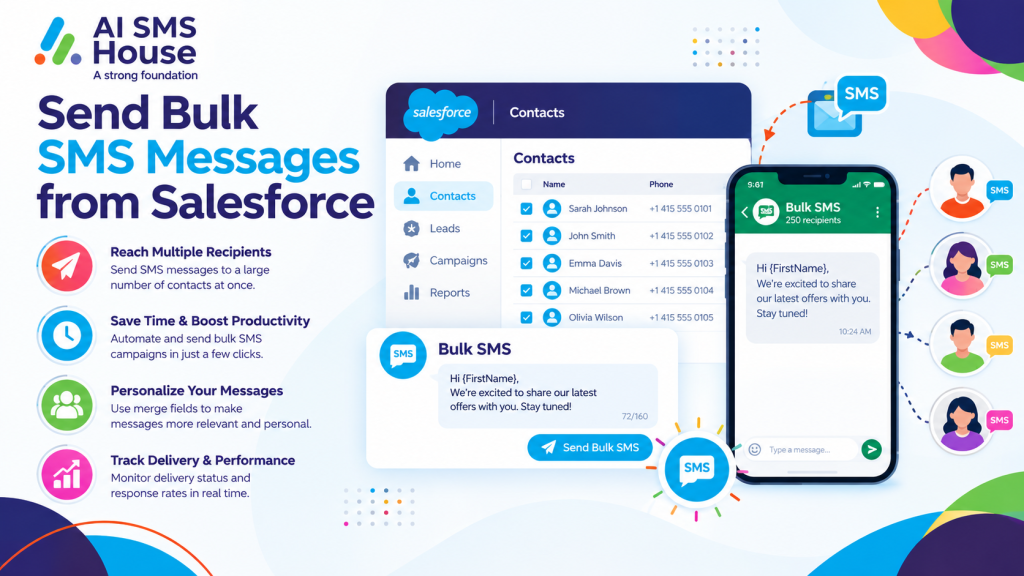
Send Bulk SMS Messages from Salesforce
Sending a bulk SMS from Salesforce usually starts with the records you already have in your Salesforce org. You can select the right Leads, Contacts or other records using List Views, Reports or Campaigns.
A typical process looks like this:
1 Create or select the Salesforce records you want to contact.
2 Check that the records have valid mobile numbers and the required consent.
3 Create your SMS message using a template or write a new message.
4 Add merge fields where you want to personalise the message.
5 Select the recipients and send the SMS in bulk.
6 Track delivery and message activity against the relevant Salesforce records.
This means you can work from the customer information you already manage rather than creating another contact list.
How to Send Bulk SMS from Salesforce
You can use a Salesforce SMS messaging solution such as AI SMS House to bring bulk messaging into your existing Salesforce workflow.
Depending on your requirements, you can send messages from List Views, Reports or Campaigns. You can also use templates and merge fields to make your messages more relevant to each recipient.
If you want to explore the Salesforce messaging app, you can view AI SMS House on Salesforce AppExchange.
Send Bulk Text Messages from Salesforce for Customer Updates
Bulk SMS can be useful when you need to communicate the same type of update to several customers.
You can use it for:
1 Appointment reminders
2 Service updates
3 Payment reminders
4 Event notifications
5 Delivery updates
6 Important customer announcements
7 Follow-ups after enquiries
Send Bulk SMS Messages from Salesforce for Sales and Marketing
Your sales team can also use bulk SMS when following up with leads or existing customers. You can create a targeted Salesforce list and send a relevant message without manually copying phone numbers into another system.
Send Bulk SMS from Salesforce Using Templates
Templates can save you time when you regularly send similar messages. You can create standard SMS content and use Salesforce merge fields to add details such as:
1 First name
2 Company name
3 Appointment date
4 Adviser or account manager
5 Reference number
This gives you a quicker way to send consistent messages while still keeping them personal.
Bulk SMS Use Cases in Salesforce
Different teams can use Salesforce bulk SMS in different ways.
Mortgage and financial services: appointment reminders, document requests and application updates.
Real estate: viewing reminders, property updates and follow-ups.
Education: enrolment reminders, event notifications and student communications.
Healthcare: appointment reminders and important service notifications.
Recruitment: interview reminders and candidate updates.
Retail: order updates, promotions and customer notifications.
Why Use Salesforce for Bulk SMS?
When your customer data and SMS activity sit within Salesforce, your team has one place to manage the communication process. You can select the right audience, personalise messages and keep communication connected to the relevant Salesforce records.
Application House provides Salesforce-focused solutions and can help businesses make better use of Salesforce automation and connected applications.
If you want to send bulk SMS messages from Salesforce, using your existing Salesforce data can give your team a more connected way to manage customer communication.