Scheduled & Recurring SMS, Text & WhatsApp from Salesforce
Your clinic sees 1,200 patients a week. Each one gets an SMS reminder 24 hours before their appointment, another 2 hours before, and a WhatsApp with parking instructions 30 minutes before. Not one is typed by a human. Every one goes out on time.
Why scheduling is the quiet productivity win
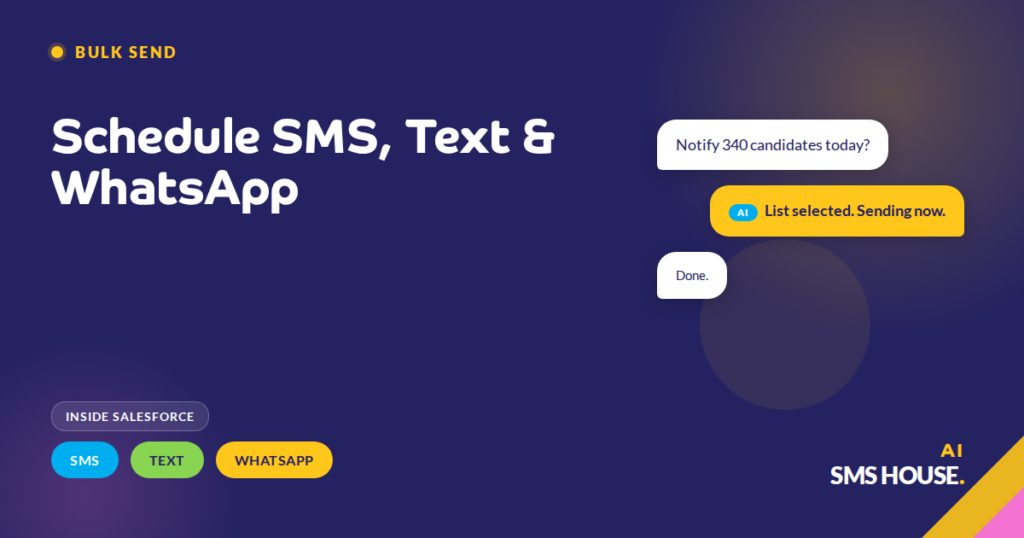
Your team doesn’t send most messages in real time. They send them on cadence, tomorrow morning’s appointment reminders, next Tuesday’s quarterly check-in, the six-week post-purchase follow-up. Without a scheduler, someone has to remember to type them at the right moment.
Your scheduling moves that memory burden into Salesforce. Your rep writes the message once when they’re already working the record, picks a send time, and forgets about it. Salesforce fires it at the right moment.
One-off scheduling from any record
You, from any Salesforce Lead, Contact, Case or custom object, your user schedules an SMS, text or WhatsApp to send later. The composer offers a date and time picker, a channel selection, and any merge-field template. The scheduled message shows on the record as a pending activity.
Your message until the scheduled time, the message can be edited or cancelled. After it sends, it logs as a completed activity on the same record. Your rep sees the full timeline, scheduled, sent, delivered, replied.
Recurring schedules that run forever
Your messages repeat. A weekly check-in SMS to every active account manager’s top 10 accounts. A monthly birthday WhatsApp to every VIP Contact. A quarterly review nudge to every long-term customer. You configure the pattern once, “every Monday at 9am, to every Contact matching this filter, using this template”, and the schedule runs indefinitely.
Your schedule adjusts when the filter changes because a Contact’s stage changes, the schedule adjusts automatically. When a Contact opts out, they drop from the recurring schedule instantly. Your team doesn’t maintain the list manually, Salesforce maintains it.
Scheduling across time zones
Your customers are in different time zones. Your 9am reminder shouldn’t fire at 4am for your West Coast customers. The scheduler respects each recipient’s time zone, either from a field on the Salesforce Contact or from the Account’s region setting, and fires the message at 9am local, not 9am server time.
Your customers don’t like a 4am SMS. Time-zone-aware scheduling is the difference between a professional reminder and a complaint.
Scheduling + Flow + AI, the full stack
Your scheduling handles time-based messages. Your Flow handles record-triggered messages. Agentforce AI agents handle inbound replies. Together they automate the outbound sequence and the inbound response of a complete customer journey, appointment reminder sent, reminder delivered, customer replies “can I move to Thursday”, AI agent checks availability, books the new slot, updates the Salesforce record.
Your team sees one activity log on one record. Your customer sees a responsive business that reached out at the right time and answered when they replied. Neither sees the four automations working together behind the scenes, and that’s the point.