
Send Text from Salesforce
If you already use Salesforce to manage Leads, Contacts, Accounts and customer information, you can also use it to send text messages without moving to another system.
When you send text from Salesforce , your messages can stay connected to the Salesforce records you already work with. This makes it easier to keep track of conversations and follow up with customers from one place.
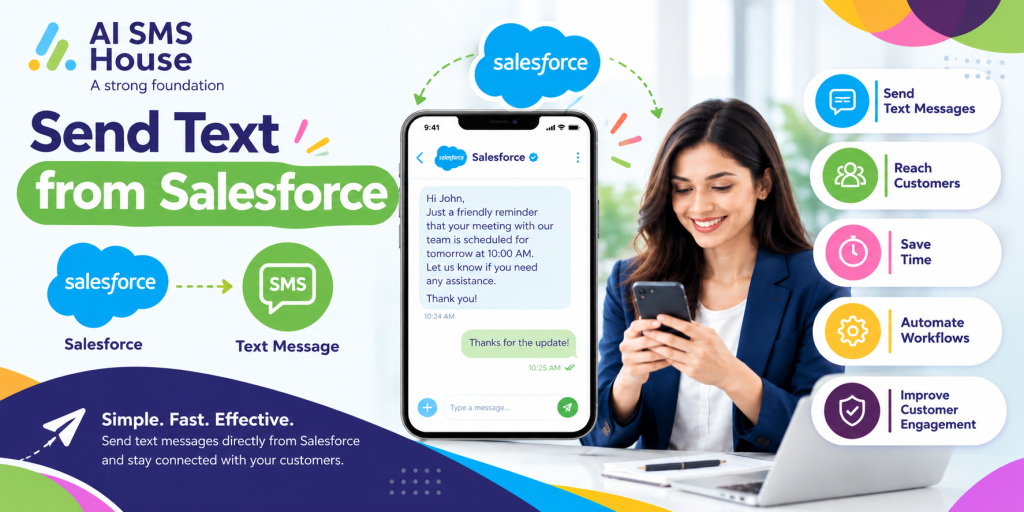
How to Send Text from Salesforce
To send a text message from Salesforce, you normally need a Salesforce messaging solution that connects text messaging with your existing records.
The basic process is simple:
1 Select the Lead, Contact, Account or other Salesforce record.
2 Check the mobile number saved on the record.
3 Write your message or select an approved template.
4 Add merge fields when you need to personalise the message.
5 Send the text directly from Salesforce.
6 Track the message status and conversation against the relevant record.
With AI SMS House, you can manage SMS and text conversations within Salesforce while keeping messages connected to your customer records.
Basic Use Cases to Send Text from Salesforce
There are many everyday situations where sending a text from Salesforce can save time.
Customer Follow-Ups
You can send a quick text after speaking with a customer, following a meeting or receiving an enquiry.
1 Follow up on new enquiries
2 Confirm the next step
3 Remind customers to reply
4 Share important updates
Appointment Reminders
If your business manages appointments through Salesforce, you can send text reminders to help customers remember upcoming meetings.
You can use messages for:
1 Appointment confirmations
2 Meeting reminders
3 Rescheduling requests
4 Follow-up messages after appointments
Sales Communication
Your sales team can use text messages to stay in touch with Leads and Contacts. Rather than keeping conversations in a separate messaging platform, the communication can remain linked to the Salesforce record.
Service Updates
Customer service teams can send text messages about cases, requests and updates. This can be useful when you need to provide a short response or let a customer know that something has changed.
Send Text from Salesforce with Automation
You do not always need to send every message manually. Salesforce automation can be used to trigger messages when specific actions take place.
For instance, a text could be sent when:
1 A new Lead is created
2 A Case status changes
3 An appointment is approaching
4 A customer needs to provide information
5 A sales opportunity reaches a particular stage
Application House provides Salesforce-focused solutions and can help businesses make better use of Salesforce automation and connected applications.
Why Send Text from Salesforce?
Keeping text messaging connected to Salesforce gives your team a clearer view of customer communication.
You can:
1 Keep conversations linked to Salesforce records
2 Personalise messages using Salesforce data
3 Track message delivery
4 Manage conversations from one place
5 Use templates for regular messages
6 Automate routine text messages
If you want to explore the Salesforce messaging app, you can view AI SMS House on Salesforce AppExchange.
View AI SMS House on Salesforce AppExchange
Application House provides Salesforce solutions designed to help businesses manage their processes within Salesforce.
If you want to send text from Salesforce and keep customer communication connected to your existing CRM, AI SMS House provides a messaging option built around Salesforce.