
Customise Every Salesforce SMS Messaging Feature with Your Own Objects, Fields and AI Agents
Your Salesforce organisation has its own data model, customer journeys and responsibilities. Your
SMS application should give you the freedom to preserve those choices when you introduce messaging.
With AI SMS House from Application House, you can configure Salesforce SMS around the way your organisation already works. You decide which objects participate, which fields control each process, which users receive access and which Agentforce AI Agents support your conversations.
You also decide which available capabilities you want to use. You can enable the options that support your process, disable the options you do not need and adjust your configuration as your requirements change.
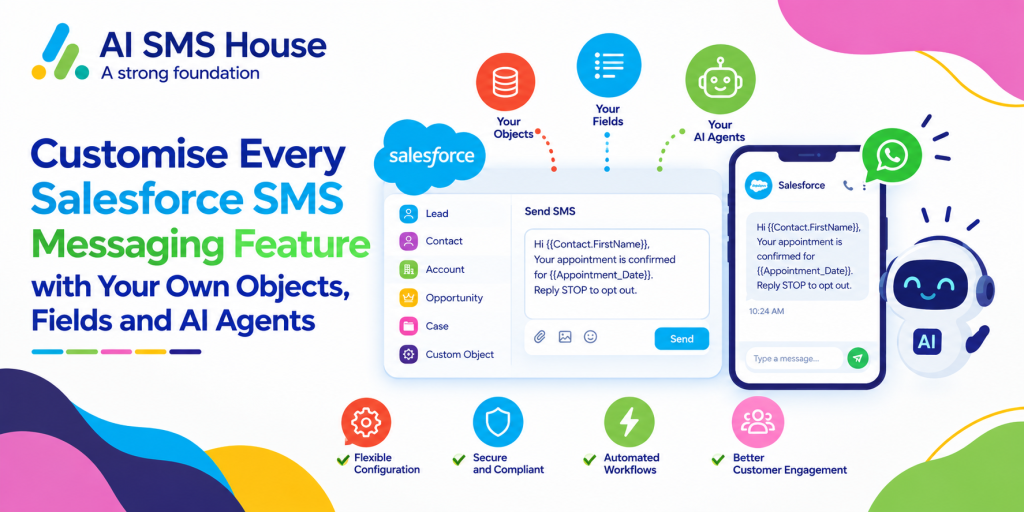
What Does Customisable Salesforce SMS Mean for Your Organisation?
Customisable Salesforce SMS means you can make messaging follow your Salesforce design. You do not need to move your customer information into a separate structure or limit your users to a short predefined list of Salesforce records.
You can configure individual messaging, bulk communication, automation, record management, notifications, attachments, Tasks, Inbox access and
Agentforce AI Agents around your operating model. Your administrators retain control over the choices that affect how your SMS service works.
Use Your Own Standard and Custom Salesforce Objects
You can configure SMS for the standard Salesforce objects your users already understand, including Leads, Contacts, Cases and Opportunities. You can also use your own custom objects when your organisation manages a specialist process.
Your mortgage business might communicate from a Mortgage Application record, while your university might work from a Student Application record. Your users can keep SMS beside the record that represents the real process they manage.
Choose Your Own Salesforce Fields
You can select the field that contains your customer phone number for each configured object. You can also select the field that represents your opt out preference instead of being required to adopt one fixed package field.
Your field choices let you retain the data model and terminology your organisation already uses. You can make SMS part of your Salesforce configuration without rebuilding your records around the application.
Assign Your Users and Messaging Numbers
You can assign SMS numbers to the Salesforce users who need them. You can also enable Salesforce notifications or email notifications for individual users according to your communication process.
Your number setup can reflect your teams, services or regions. You can keep control of which users communicate from each number and which users receive notice when a new message arrives.
Control How Your Incoming SMS Becomes Salesforce Work
Your incoming SMS may belong to an existing customer, a new enquiry or a conversation that needs review before you select a record. You can configure Record Management to produce the outcome that fits each situation.
Choose None, Match, Create or Match or Create
You can select None when you want an incoming SMS to create a conversation without immediately linking it to a Salesforce record. You can let your user review the message and connect the right record later.
You can select Match Only when you want your application to locate an existing record. You can select Create Only when every qualifying enquiry should produce a new record, or you can select Match or Create when you want your configuration to search first and create when no suitable record exists.
Define Your Matching and Duplicate Rules
You can choose the fields used to find an existing Salesforce record and the fields populated when you create a new record. You can also apply your own SOQL WHERE Clause when your search needs an additional business condition.
When your search finds more than one record, you can choose your oldest match, your newest match or a new record. Your duplicate decision can therefore follow the meaning of your data rather than an unchangeable application rule.
Use Your Own Salesforce Flow for Advanced Decisions
You can use Salesforce Flow when your incoming SMS needs logic across several objects or conditions. You can decide how your Flow qualifies the enquiry and which record should provide the context for the conversation.
Your Flow can reflect your existing business rules, including the steps your organisation already uses to distinguish one customer journey from another. You can extend your record handling without giving every process the same matching logic.
Enable the Salesforce SMS Features Your Users Need
Your users may need different controls according to the work they perform. You can configure the supporting features around their responsibilities and remove options that add no value to their process.
Control Your Tasks, Notifications and Attachments
You can decide whether your users see the option to create a Salesforce Task when they send an individual or bulk SMS. You can use Tasks when your organisation wants a related activity, or you can keep the option unavailable when your process does not require one.
You can enable incoming attachments, outgoing attachments or both directions when your SMS service supports file exchange. You can also choose the file types your users and customers may exchange.
You can configure Salesforce and email notifications for incoming messages so the appropriate users know when your customer has responded. Your notification choices can follow the responsibilities you have assigned to each user.
Choose How Your Team Sends and Reviews SMS
You can use Salesforce text messaging to let your users send SMS from a Salesforce record, compose a new message from the Inbox, use approved templates or send personalised bulk communication from List Views, Reports and Campaigns. You can also schedule recurring messages or use Salesforce Flow and Apex Triggers when your process requires automation.
Your users can review conversations from the dedicated Inbox tab or the Utility Bar Inbox. You can give your team access to channel, object, date and source filters while your users keep important conversations pinned for further work.
Connect Your Own Agentforce AI Agents
You can select your own existing Agentforce AI Agent or create a new Agentforce AI Agent for your SMS process. You can configure different agents for different numbers and keep other numbers available for conversations managed by your Salesforce users.
You can also configure the duration of your Agentforce AI Agent session and let your user take over through the End Bot control. Your organisation decides where automation helps and where personal involvement should begin.
Configure Salesforce SMS for Your Industry
Your industry does not need to fit a generic messaging model. You can combine your own objects, fields, rules and Agentforce AI Agents to support the records and responsibilities your users already manage.
Mortgage SMS Built Around Your Application Process
You can configure SMS against your Mortgage Application object and choose the fields you use for the borrower number, application stage and communication preference. You can match an incoming reply to the current application and choose your newest record when your borrower has more than one historical enquiry.
You can assign your Mortgage Enquiry Agent to your initial enquiry number while your advisers retain another number for personal conversations. You can enable Task creation when your adviser sends a document request and disable it where your process already records the activity elsewhere.
Real Estate SMS Built Around Your Property Journeys
You can use your Property Enquiry, Viewing or Tenancy objects when those records represent your customer journey. You can configure separate record rules for buyer, seller, landlord and tenant conversations while your users continue to work with familiar Salesforce records.
You can use a custom filter to focus your incoming reply on an active listing or open tenancy. You can also choose which property users receive notifications when your customer responds.
Education SMS Built Around Your Student Records
You can configure SMS for your Applicant, Student, Course Enquiry or another education object. You can select the phone and opt out fields your institution already maintains and use different message categories for recruitment, service and informational communication.
You can give your admissions team access to bulk messaging from a Campaign while your student services team works through individual conversations. You can connect your own Admissions Agent to the number intended for prospective students.
Pharmacy SMS Built Around Your Service Model
You can configure SMS around your pharmacy customer or service record and keep your communication visible to users who already have access to that record. You can enable the notification and attachment options that support your approved administrative process.
You can keep your Agentforce AI Agent focused on practical service enquiries and allow your pharmacy user to take over when your customer needs personal or professional assistance. You decide how your configuration separates automated guidance from conversations requiring your authorised team.
Hospital SMS Built Around Your Administrative Workflow
You can use the Salesforce object your hospital has chosen for appointment administration, referrals or service enquiries. You can keep your message visibility aligned with access to the related record so your authorised users see the context they are permitted to manage.
You can configure notifications, session duration, source tracking and human takeover around your hospital workflow. You can also leave Record Management set to None where your staff should review an unidentified enquiry before connecting it to a record.
Keep the Power to Configure Salesforce SMS in Your Hands
Your organisation should decide how SMS fits your Salesforce environment. With AI SMS House, you can choose your own objects, fields, phone numbers, record rules, users and Agentforce AI Agents while you configure the supporting features around your work.
You can begin with the capabilities your team needs today and update your configuration as your processes develop. You can book a demonstration with Application House to see how your own Salesforce design can shape every part of your SMS messaging experience.