
Use Your Own Agentforce AI Agents to Send SMS from Salesforce
Use Your Own Agentforce AI Agents to Send SMS from Salesforce
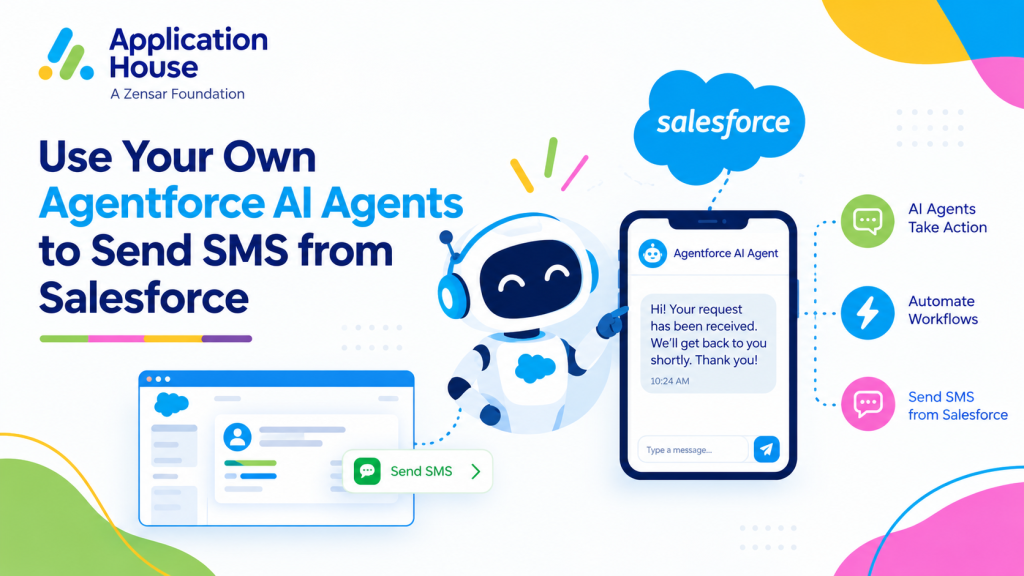
Your organisation may already have an Agentforce AI Agent built around the questions your customers ask and the way your team works. With AI SMS House from Application House, you can Send SMS from Salesforce using your own Agentforce AI Agents connected to your messaging numbers.
You can use an existing Agentforce AI Agent or create a new one for a particular business process. You can also use multiple Agentforce AI Agents across your messaging numbers, giving each business process the agent you have chosen for it.
You are not limited to the Agentforce AI Agent included with the package. You decide which of your agents should support your customers and what you configure those agents to do.
Can I Use My Own Agentforce AI Agent to Send SMS from Salesforce?
You can bring your own Agentforce AI Agent into your SMS conversations
through the app’s messaging configuration. Your customers can then reach the agent you have selected by messaging the number associated with it.
Your main benefit is continuity: you can build on the Agentforce work your organisation has already done. You can extend an agent’s role to SMS while keeping its purpose aligned with your business.
Connect an Existing Agentforce AI Agent
If you already have an Agentforce AI Agent for customer enquiries, you can select it for your messaging setup. You can review its instructions and supported actions against the SMS enquiries you expect before making it available to customers.
For example, you may already have an agent that explains your admissions process. You can give prospective students another way to reach that agent without starting with a different admissions approach for SMS.
Create a New Agentforce AI Agent for Your Process
You can create a new Agentforce AI Agent when your SMS conversations need a dedicated purpose. You might want an agent that handles initial mortgage enquiries, while your existing agent continues to support another part of your business.
You define the knowledge, instructions and actions for your agent in Agentforce, then connect it through your AI SMS House configuration. Your agent’s responses and available actions depend on what you have configured it to handle.
How to Connect Your Agentforce AI Agents to Salesforce SMS
You can plan your setup around three decisions: the enquiry you want to support, the Agentforce AI Agent suited to that enquiry and the messaging number your customers will use.
Choose the Purpose of Your Agent
You can begin with a specific customer need, such as questions before an adviser appointment or enquiries about a course. You give your agent a clearer role when you decide which questions it should answer and which conversations need your team.
Select Your Agent in the Messaging Configuration
You can associate your chosen Agentforce AI Agent with the relevant messaging number through the app’s configuration. You can use different agents across different numbers when your organisation needs separate approaches for different services.
For example, you can select one agent for your property sales enquiries and another for your lettings enquiries. Your choice of agent can reflect the information and assistance each audience needs.
Check Your Customer Conversation
You can test an incoming SMS using the questions your customers are likely to ask. You can check whether your chosen agent responds as intended and whether your team can continue the conversation when personal assistance is needed.
You retain the ability to take over from your Agentforce AI Agent, with your Salesforce message history providing the context for the next reply.
How Can Your Own Agentforce AI Agents Support SMS Enquiries?
You can shape each Agentforce AI Agent around the service your organisation provides. In the examples below, you would configure the relevant knowledge and actions in your own agent before using it for those SMS conversations.
Mortgage Enquiries Before an Adviser Appointment
You can use your Mortgage Enquiry Agent to help prospective borrowers understand your enquiry process before they speak with an adviser. With your process information configured in the agent, you can answer practical questions about how to contact your team, what happens at an initial appointment and how customers can prepare.
You can keep the agent focused on the information you have approved for initial enquiries. Your advisers can take over when a customer needs an individual discussion about their circumstances.
Real Estate Enquiries for Buyers and Tenants
You can give buyers and tenants access to a Property Enquiry Agent that reflects your agency’s way of working. You might configure your sales agent to explain your viewing enquiry process, while your lettings agent explains how prospective tenants can begin an application.
You can use your own service information and terminology so customers receive guidance that fits your agency. Your team can continue the conversation when an enquiry needs a personal response.
Education Enquiries About Courses and Admissions
You can connect a Student Admissions Agent built around your institution’s courses and application guidance. With that information available to your agent, you can help prospective students ask questions by SMS before deciding on their next step.
You might configure your agent to explain where applicants can find entry requirements, how your application process works or whom they should contact about a particular course. You can keep those answers aligned with your institution’s approved guidance.
Pharmacy Enquiries About Services
You can use your Pharmacy Enquiry Agent for practical questions about your opening hours, available services and how customers can contact your pharmacy team. You can define its role around the service information you want to make accessible through SMS.
You can leave questions requiring professional judgement with your pharmacy staff. Your team can take over the conversation when a customer needs assistance beyond the agent’s configured scope.
Hospital Enquiries About Appointment Arrangements
You can configure your Hospital Appointment Enquiry Agent to explain your administrative processes, such as whom to contact about an appointment or where to find your visitor information. You can make that guidance accessible to people who prefer to send an SMS.
You determine which administrative questions your agent can answer using the information available to it. Your hospital staff can continue enquiries that need individual attention.
Who Controls Your Agentforce AI Agent SMS Conversations?
You keep the choices that shape your customer experience: which Agentforce AI Agents you use, which messaging numbers you connect and what you configure each agent to handle.
You can start with one existing agent and introduce others as your needs develop. Your messaging setup can reflect the services you actually provide, with automatic AI responses where configured and human takeover when your team needs to step in.
You also keep your conversations connected to your Salesforce environment, giving your users access to message history as they manage customer relationships.
Power in Your Hands
You bring the understanding of your customers, your processes and your preferred way of working. With AI SMS House, you can put that understanding into practice by choosing your own Agentforce AI Agents for SMS.
You can speak with Application House about connecting your existing Agentforce AI Agents or planning a new agent for your SMS enquiries.