
Send Text from any Salesforce record
Personalise Text Messages from Salesforce Records
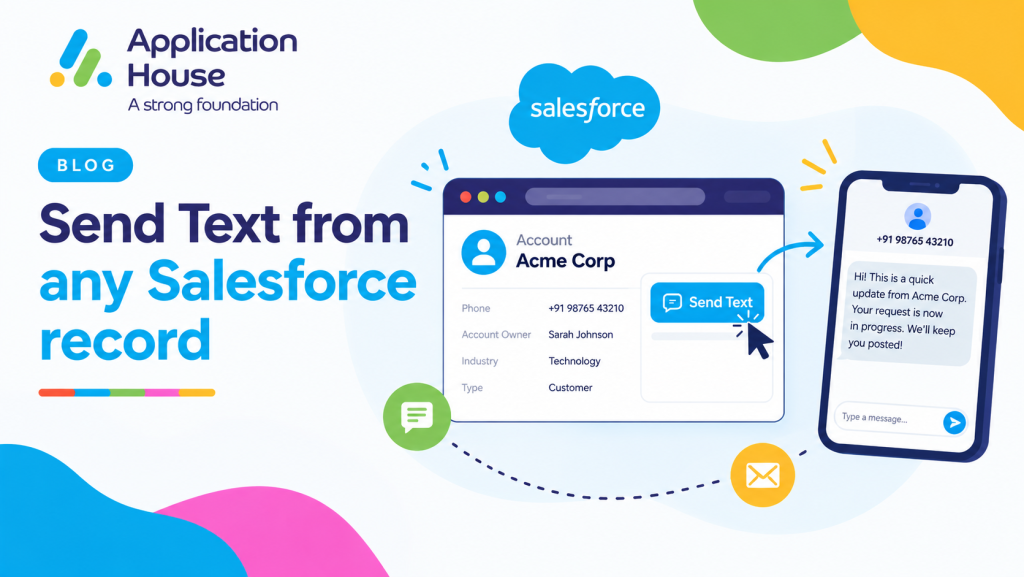
You can Send Text from Salesforce using the customer and business information already available on your Salesforce records.
You can make your messages more relevant by using your Salesforce data instead of writing the same generic communication for every recipient.
You can keep your Text messaging connected to the record where your users already manage your customer, enquiry or business process.
Use Salesforce Record Data in Your Text Messages
You can use your Salesforce record information to support more relevant Text communication.
You can use your customer names, record information and other Salesforce values when you prepare your messages.
You can keep your customer communication aligned with the information your users already maintain in Salesforce.
Personalise Text Using Merge Fields
You can personalise your Text message templates using Salesforce merge fields.
You can automatically include information from your Salesforce records, so your users do not need to manually copy the same details into every message.
You can make your communication more relevant while keeping your messaging process consistent.
Add Customer and Record Information Automatically
You can use your Salesforce fields to include customer and record information within your Text messages.
You can reduce your manual typing while making your communication feel more relevant to each recipient.
You can keep your message content connected to the same Salesforce data your business already uses.
Use Text Message Templates Across Your Salesforce Processes
You can create your reusable Text message templates for communication your users send regularly.
You can use your templates for individual messages, bulk communication and automated messaging.
You can give your users approved content while still allowing your messages to use Salesforce data for personalisation.
Create Approved Text Message Templates
You can prepare your commonly used messages in advance and make your approved wording available to your Salesforce users.
You can use your templates for reminders, updates, confirmations and other recurring customer communication.
You can help your users communicate consistently without asking them to rewrite your standard messages each time.
Use Templates for Consistent Customer Communication
You can use your templates across different Salesforce processes while maintaining your preferred communication standards.
You can combine your approved wording with your Salesforce merge fields to keep your messages both consistent and personalised.
You can reduce your manual work while giving your users a quicker way to communicate with customers.
Schedule Text Messages from Salesforce
You can schedule your Text messages when your communication needs to be delivered at a particular time.
You can prepare your message in advance and choose when your customer should receive it.
You can also configure your recurring communication when your business process requires messages to be sent repeatedly.
Schedule Your Text for a Future Date and Time
You can select your future date and time when you want your Text message to be sent.
You can prepare your reminders and updates before they are needed instead of relying on your users to remember to send them manually.
You can align your communication with important dates in your customer or business process.
Send Recurring Text Messages Automatically
You can schedule your recurring Text messages when your customers need regular communication.
You can define your start date, end date and frequency according to your messaging requirement.
You can maintain your regular communication without asking your users to create the same message repeatedly.
Schedule Daily, Weekly, Monthly or Yearly Messages
You can configure your recurring Text communication to run daily, weekly, monthly or yearly.
You can choose your schedule around the frequency that makes sense for your business process.
You can use your recurring messaging for regular reminders, customer updates and other planned communication.
Send Bulk Text Using Your Salesforce Data
You can Send bulk text from Salesforce when your communication needs to reach more than one customer at the same time.
You can use your existing Salesforce List Views, Reports and Campaigns to identify the records you want to contact.
You can keep your bulk messaging connected to the Salesforce data your users already use for segmentation and customer management.
Send Bulk Text from Salesforce List Views
You can Send bulk text from Salesforce using your List Views when your users already organise records using Salesforce filters.
You can use your selected records to reach the customers relevant to your particular business activity.
You can extend your existing Salesforce List View process into your customer communication without maintaining another audience list.
Send Bulk Text from Salesforce Reports
You can use your Salesforce Reports as the source for your bulk Text communication.
You can use your report data to identify the customers or records that meet your required conditions.
You can make your outreach more relevant by using the Salesforce reporting information your organisation already maintains.
Send Bulk Text from Salesforce Campaigns
You can use your Salesforce Campaigns when your Text communication forms part of your wider outreach activity.
You can communicate with your Campaign members while keeping your activity connected to Salesforce.
You can keep your messaging and your campaign management together rather than managing them in separate systems.
Create Salesforce Tasks from Your Text Messaging Activity
You can create your Salesforce Tasks when your messaging process requires follow up activity.
You can configure your messaging process so your users can create Tasks from individual or bulk messaging activity.
You can keep your communication and your follow up work connected to Salesforce.
Track Your Follow Up After Sending Text Messages
You can create your Salesforce Task when your Text message needs another action from your user.
You can use your Task to keep your next step visible within your normal Salesforce process.
You can reduce the risk of your customer communication being sent without your required follow up activity.
Use Text Messaging Throughout Your Customer Journey
You can use Text messaging at different stages of your customer journey rather than limiting your communication to a single interaction.
You can use your Salesforce records to determine what communication your customer needs as their enquiry, application, appointment or service progresses.
You can adapt your Text messaging to your mortgage, real estate, education, pharmacy and hospital processes.
Send Mortgage Document and Payment Reminders
You can send Text messages from your mortgage records when your borrower needs to provide documents or complete an important action.
You can use your Text messages for document reminders, payment links, application updates and borrower follow ups.
You can keep your communication connected to the Salesforce record where your users manage your mortgage journey.
Send Real Estate Follow Up Messages
You can send Text messages from your property and customer records after your buyer or tenant makes an enquiry.
You can use your Text communication for viewing reminders, property follow ups, availability updates and ongoing buyer communication.
You can keep your property conversation connected to the Salesforce data your users already manage.
Send Education Admissions and Application Reminders
You can send Text messages from your student records throughout your recruitment and admissions process.
You can use your Text communication for application reminders, admissions updates, deadlines and important student information.
You can keep your student communication connected to your Salesforce recruitment and admissions records.
Send Pharmacy Refill and Collection Reminders
You can send Text messages from your pharmacy related records when your customer needs a reminder or service update.
You can use your Text communication for prescription collections, refill reminders and other pharmacy communications supported by your process.
You can keep your customer communication linked to the Salesforce record your pharmacy users work with.
Send Hospital Follow Up and Care Reminders
You can send Text messages from your hospital related records when your patient needs timely communication.
You can use your Text communication for appointment follow ups, visit reminders, care related reminders and other appropriate patient communication.
You can keep your hospital messaging connected to your Salesforce records for your authorised users.
Manage Your Text Conversations from the Salesforce Inbox
You can manage your incoming and outgoing Text conversations from your central Message Inbox inside Salesforce.
You can filter your conversations by channel, Salesforce object, date and other available messaging information.
You can open your conversation, navigate to your related Salesforce record and start your next message without moving between separate messaging systems.
Find Your Messages by Salesforce Object
With Application House, you can filter your Inbox by Salesforce object when you need to focus on conversations related to a particular business process.
You can use your object filters to separate conversations linked to different Salesforce records, helping you find the messages you need more easily.
You can make your Inbox easier to manage when your organisation uses Text messaging across several departments, teams or customer journeys.
Continue Your Text Conversation from the Inbox
You can start your new messages directly from your Inbox without first navigating to the related Salesforce record.
You can also open your existing conversation and move directly to your related record whenever you need additional customer context.
You can keep your messaging flexible while still maintaining the connection between your conversation and your Salesforce data.
Keep Your Text Messaging Connected to Salesforce
You can keep your templates, personalisation, scheduling, bulk messaging, Tasks and conversation history inside your Salesforce messaging process.
You can use your Salesforce records as the data behind your Text communication while giving your users several ways to reach your customers.
You can make your Text messaging part of your everyday Salesforce processes rather than treating it as a separate communication system.